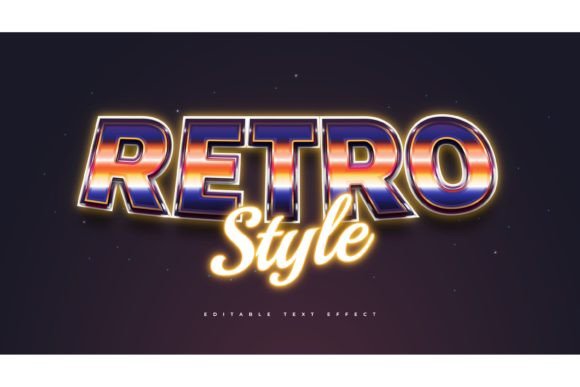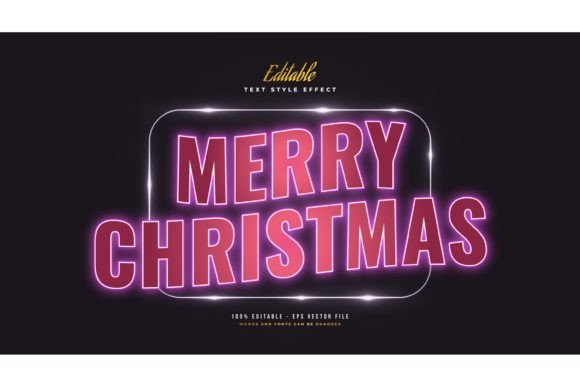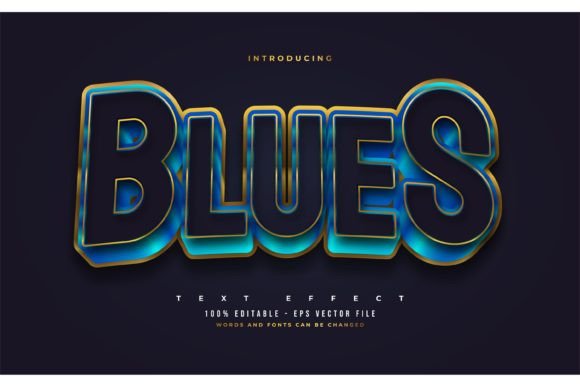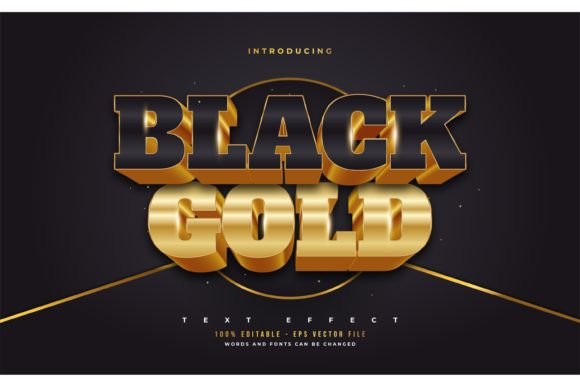
Mastering Editable Vintage Text Effects
In the fast-paced world of digital design, trends tend to cycle with predictable regularity. Yet, there is one aesthetic that refuses to fade into obscurity: the vintage look. Whether it is the gritty texture of a 1970s concert poster or the elegant serif typography of a Victorian label, retro design evokes nostalgia, trust, and character. For designers, marketers, and content creators, achieving this look traditionally required hours of manual labor in Adobe Illustrator or Photoshop. You had to layer textures, adjust blending modes, and meticulously warp vectors until they felt "right." This is where an Editable Vintage Text Style Effect changes the game entirely.
This resource is not merely a font file. It is a comprehensive design tool built for Adobe Illustrator that allows you to apply complex, professional-grade vintage styling to any text with a single click. By separating the style from the typeface, it offers unparalleled flexibility, enabling users to swap fonts, resize elements, and edit wording without losing the intricate details that make vintage typography so appealing.
Beyond the Font File: Understanding the Tool
It is crucial to distinguish between a standard font and a text style effect. A font dictates the shape of the letters. A text style effect dictates how those letters interact with light, shadow, texture, and color. Many beginners mistakenly purchase decorative fonts expecting them to carry the full weight of a design, only to find that the letters look flat or lack the dimensional depth seen in professional branding.
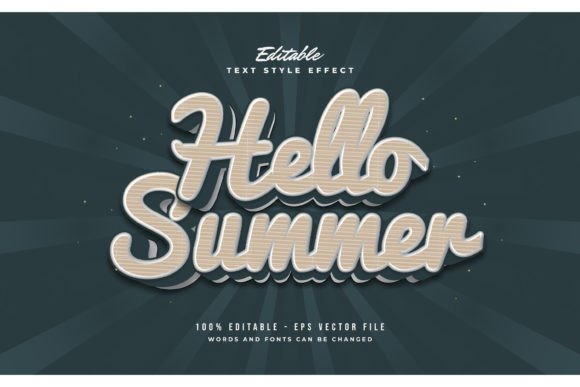
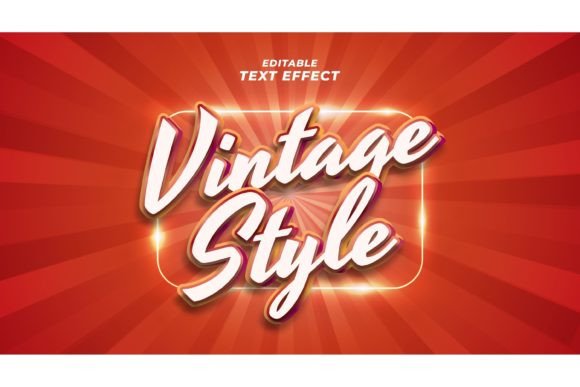
The Editable Vintage Text Style Effect bridges this gap. It comes packaged with EPS files and JPG previews, designed specifically for vector-based workflows. Because it is built on editable vectors, you are not locked into a specific typeface. If your brand guidelines require a bold sans-serif, you can use it. If you prefer a delicate script, the effect adapts. This versatility is its strongest asset. You are essentially buying a sophisticated set of instructions for Adobe Illustrator that automatically applies gradients, strokes, shadows, and textured overlays to whatever characters you type.
Key Characteristics and Strengths
What makes this specific collection of 100 editable words and styles stand out in a saturated market? The answer lies in its balance of complexity and usability.
- True Editability: Unlike rasterized images or flattened PSDs, these effects remain fully vector-based. You can scale them from the size of a business card to a billboard without any loss in quality.
- Font Agnostic Design: Since this is a style effect and not a font, you retain complete creative control over typography. You can mix and match hundreds of existing fonts to find the perfect pairing for your project.
- Time Efficiency: Creating a authentic distressed or layered vintage effect can take thirty minutes to an hour per word. With this tool, the process takes seconds. This efficiency is invaluable for freelancers billing by the hour or agencies managing tight deadlines.
- Consistency: When working on a multi-page brochure or a social media campaign, maintaining a consistent visual language is difficult. Using a preset style ensures that every headline shares the same weight, texture, and color palette.
Practical Applications Across Industries
The utility of vintage text effects extends far beyond nostalgic art projects. In modern commercial environments, these styles serve specific psychological and branding functions. Here is how different professionals can leverage this tool.
Branding and Marketing
For entrepreneurs and small business owners, standing out in a digital sea of minimalist, clean-line design is challenging. Vintage aesthetics convey heritage, craftsmanship, and authenticity. A coffee shop, a barber shop, or a boutique clothing brand can use these effects to create logos and packaging that feel established and trustworthy. By using the Editable Vintage Text Style Effect, a marketer can rapidly prototype different logo variations to see which font combination best communicates the brand's voice before committing to a final design.
Content Creation and Social Media
Bloggers and social media managers need to produce high-volume visual content daily. Instagram carousels, Pinterest pins, and YouTube thumbnails require eye-catching typography that stops the scroll. Vintage styles perform exceptionally well here because they add visual weight and texture. Instead of spending hours designing each graphic, a creator can type their headline, apply the effect, and export. The ability to quickly change the text means you can repurpose the same visual template for multiple posts, ensuring brand consistency while saving time.
Educational and Editorial Design
Educators and publishers often work on materials that benefit from a historical or literary feel. Textbooks, historical newsletters, or museum exhibition guides can use these effects to create headers that contextualize the content. The ease of editing means that teachers can customize worksheets with engaging titles that capture students' attention, making dry historical facts feel more immersive and tangible.
Maximizing Usability and Workflow
To get the most out of this resource, it is helpful to understand the technical workflow. Since the files are provided in EPS format, they are optimized for Adobe Illustrator. However, the principles apply to any vector software that supports appearance panels and graphic styles.
When you open the file, you will typically find a set of pre-styled text objects. The process is straightforward: select the text object, type your desired word, and the style updates automatically. If the default font does not suit your needs, simply highlight the text and choose a new font from your library. The effect—whether it is a double-layer offset, a distressed grunge overlay, or a multi-color retro gradient—will reflow to fit the new letterforms.
Pro Tip: While the effect is easy to apply, customization is key. Do not be afraid to tweak the colors within the style to match your specific brand palette. The true power of vector editing is the ability to fine-tune every anchor point and color stop. Use the included JPG previews as a reference guide to quickly identify which of the 100 styles fits your current project mood.
Considerations for Selection and Implementation
While these tools are powerful, they are not a substitute for design fundamentals. When selecting a vintage style, consider legibility. Highly distressed or ornate effects can be difficult to read at small sizes. Always test your text at the intended display size. If you are designing for mobile screens, opt for simpler styles with higher contrast. For print materials like posters or packaging, you can afford to use more intricate, layered effects.
Additionally, remember that this is a design asset, not a standalone solution. The background you place the text on matters. Vintage text often looks best against textured backgrounds, such as paper, concrete, or fabric scans, which complement the distressed nature of the effect. Placing a gritty vintage headline on a stark white digital background may create a jarring disconnect unless intentionally styled for contrast.
Ultimately, the Editable Vintage Text Style Effect is about empowering creators to focus on strategy and messaging rather than getting bogged down in technical execution. By automating the tedious aspects of texture and layering, it frees you to experiment with typography and composition. Whether you are a seasoned graphic designer looking to speed up your workflow or a small business owner handling your own marketing, this tool provides a professional finish that elevates your visual communication. It transforms the complex art of vintage typography into an accessible, efficient, and highly customizable part of your creative toolkit.