Mastering the Christmas Text with Glowing Neon Effect: A Practical Guide to Editable Design Assets
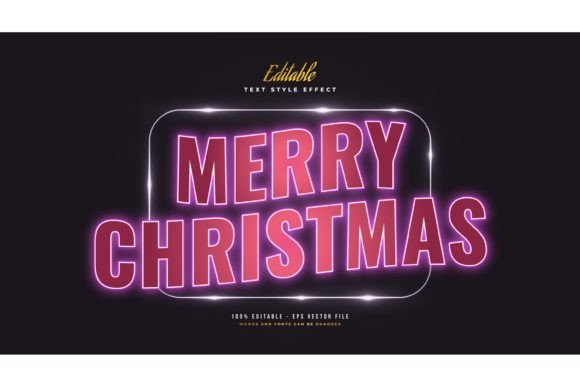
The holiday season presents a unique challenge for designers, marketers, and content creators: standing out in a saturated visual landscape. While traditional red-and-green motifs remain staples, there is a growing demand for modern, eye-catching aesthetics that bridge nostalgia with contemporary design trends. This is where the Christmas Text with Glowing Neon Effect becomes a valuable resource. Unlike standard typography or static clip art, this specific style of text effect combines the warmth of festive messaging with the high-contrast, electric allure of neon signage.
For professionals evaluating design tools, understanding the distinction between a font file and a text effect asset is crucial. This article explores the utility, versatility, and practical applications of editable neon text effects, helping you determine whether this approach aligns with your project requirements compared to other design alternatives.
Understanding the Asset: Effect vs. Font
A common misconception among novice designers is purchasing a "neon font" expecting it to automatically render with realistic lighting, glow, and depth. However, a true Christmas Text with Glowing Neon Effect is not a font file (such as .OTF or .TTF). Instead, it is a pre-designed graphic asset, typically delivered in vector formats like EPS, accompanied by high-resolution JPG previews.
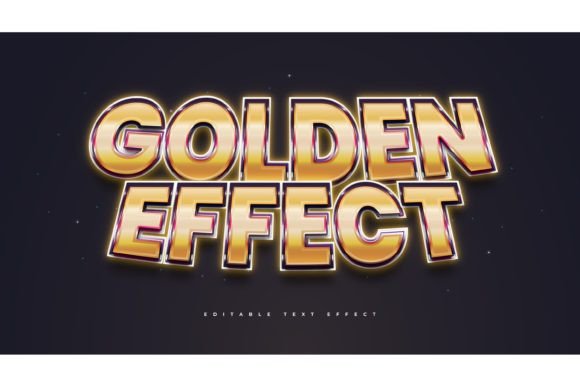
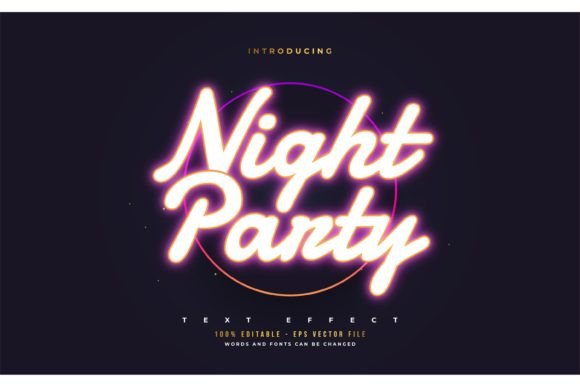
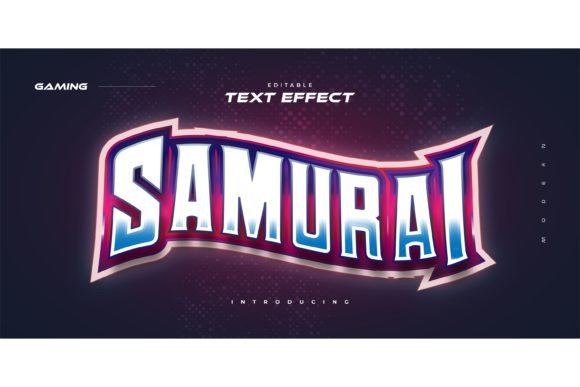
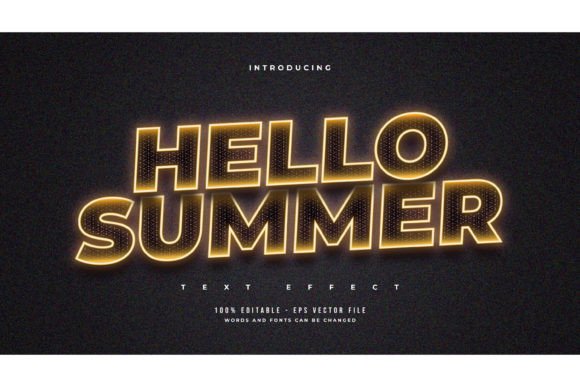
This distinction is vital for workflow efficiency. A font requires manual layering, blending modes, and drop-shadow adjustments to achieve a glowing look—a process that can take hours to perfect. In contrast, an editable text effect allows users to input their desired wording, and the software applies the complex lighting, color gradients, and tube structures instantly. The package described here includes 100 editable words, offering a broad vocabulary of festive terms such as "Merry," "Joy," "Noel," and "Winter," all pre-styled with authentic neon characteristics.
Key Technical Features
- Vector Scalability: Because the primary files are often EPS (Encapsulated PostScript), the designs remain crisp at any size, from social media icons to large-format print banners.
- Customizability: Users can change the text, adjust colors, and modify sizes without losing quality.
- Font Agnostic: Since this is an effect overlay rather than a typeface, you are not locked into a single font style. You can apply the neon effect to serif, sans-serif, or script fonts depending on your brand identity.
Comparative Analysis: Neon Effects vs. Traditional Holiday Typography
When deciding on a visual strategy for Christmas campaigns, designers often weigh several options. Here is how the glowing neon approach compares to other common styles.
Neon Effect vs. Flat Minimalist Design
Minimalist design relies on clean lines, ample white space, and flat colors. It is effective for corporate communications where clarity is paramount. However, during the holidays, minimalism can sometimes feel cold or detached. The Christmas Text with Glowing Neon Effect introduces warmth and energy. The simulated light emission creates a focal point that draws the eye immediately, making it superior for promotional materials where grabbing attention is the primary goal.
Neon Effect vs. Hand-Lettered Calligraphy
Hand-lettered scripts evoke tradition, elegance, and personal touch. They are ideal for wedding invitations or high-end luxury branding. Conversely, neon effects convey vibrancy, nightlife, and modern celebration. If your target audience is younger (ages 20–35) or if the context is a party, retail sale, or digital event, the neon aesthetic resonates more strongly than traditional calligraphy. It suggests excitement and immediacy.
Neon Effect vs. DIY Layering in Photoshop
Creating a realistic neon glow from scratch involves multiple steps: creating the tube shape, adding inner glows, outer glows, setting blend modes to "Screen" or "Color Dodge," and adding background textures for realism. For a single project, this might be feasible. For a campaign requiring dozens of variations, it is inefficient. Using a pre-made, editable effect reduces production time significantly, allowing designers to focus on layout and composition rather than technical rendering.
Practical Use Cases and Best-Fit Scenarios
Identifying the right context for using these assets ensures maximum impact. The versatility of the Christmas Text with Glowing Neon Effect makes it suitable for various mediums.
- Social Media Campaigns: Instagram stories and Facebook posts benefit from high-contrast visuals. Neon text stands out against dark backgrounds, increasing stop-scroll rates.
- Digital Invitations: For virtual holiday parties or Zoom backgrounds, neon text adds a festive atmosphere that mimics physical decor.
- Retail Signage and Web Banners: Online stores can use these effects to highlight flash sales or limited-time offers. The "glow" psychologically signals urgency and importance.
- Merge Print Projects: When printed on dark or metallic paper, neon-inspired designs can retain their vibrancy, offering a premium look for greeting cards or posters.
Evaluating Limitations and Tradeoffs
While powerful, this design style is not a universal solution. Professional advisors recommend considering the following limitations before integration.
Readability Concerns: Neon effects often involve bright colors against dark backgrounds. If the contrast is too extreme or the font choice is overly decorative, readability may suffer, especially on small mobile screens. It is essential to test legibility across devices.
Brand Alignment: Not all brands suit the neon aesthetic. Conservative industries such as law, finance, or healthcare may find the glowing effect too casual or distracting. In these cases, a subtler typographic treatment might be more appropriate.
File Compatibility: To edit EPS files effectively, users typically need Adobe Illustrator or compatible vector software. While JPG previews are included for quick reference, they are not editable. Users without vector software may find the asset less useful unless they convert files or use alternative tools that support SVG/EPS imports.
Decision Factors: Is This Resource Right for You?
To make an informed decision, evaluate your project needs against these criteria:
- Time Constraints: If you need to produce multiple festive graphics quickly, the "click-and-change" nature of this asset provides significant efficiency gains.
- Design Skill Level: Beginners can achieve professional-looking results without mastering advanced lighting techniques. Experienced designers can use it as a base to accelerate their workflow.
- Versatility Needs: With 100 editable words included, the package offers breadth. If you only need one phrase, a custom design might be better. If you need a variety of holiday terms, this bundle offers cost-effective variety.
- Output Format: Ensure your final output supports vector graphics or high-resolution raster images. If you require animated GIFs or videos, you will need to import the EPS files into animation software like After Effects.
Maximizing Value Through Customization
The true power of the Christmas Text with Glowing Neon Effect lies in its adaptability. Rather than using the presets exactly as provided, consider these customization strategies:
Color Variation: While traditional neon uses reds, greens, and golds for Christmas, experimenting with icy blues, silvers, or even unconventional purples can create a unique winter wonderland vibe that distinguishes your brand from competitors.
Background Integration: Neon effects look best against textured backgrounds such as brick walls, dark wood, or night skies. Placing the text on a plain white background often diminishes the glow effect. Always pair the text with a complementary backdrop to enhance the illusion of light emission.
Font Pairing: Since the effect is independent of the font file, pair the neon treatment with a clean, secondary font for body text. This creates a visual hierarchy where the neon headline captures attention, and the simple body text delivers information clearly.
Conclusion
The Christmas Text with Glowing Neon Effect represents a strategic intersection of festive tradition and modern digital aesthetics. For designers and marketers seeking to create engaging, high-impact holiday content, this resource offers a balance of convenience and quality. By understanding its distinctions from standard fonts, recognizing its ideal use cases, and acknowledging its limitations, you can leverage this tool effectively. Whether you are designing social media ads, digital invitations, or web banners, this editable effect provides a streamlined path to professional, eye-catching results without the steep learning curve of manual lighting design.