Mastering Colorful Retro and Neon Text Effects in Adobe Illustrator: A Guide to Editable Vector Designs
In the vibrant world of graphic design, typography is far more than just a method of conveying information. It is a visual language that sets the tone, evokes emotion, and captures attention instantly. Among the most captivating trends in recent years are Colorful Retro and Neon Text Style effects. These styles transport viewers back to the electric energy of the 1980s or the bold aesthetics of mid-century signage, making them incredibly popular for modern branding, social media graphics, and merchandise.
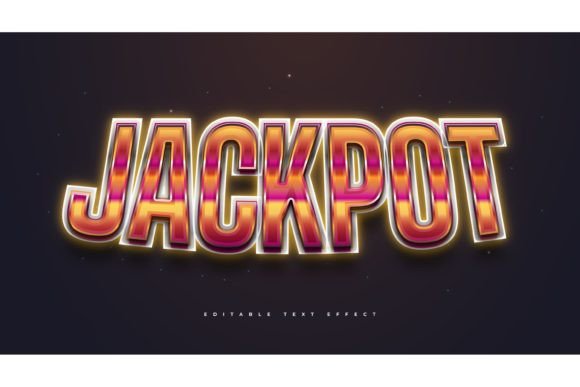
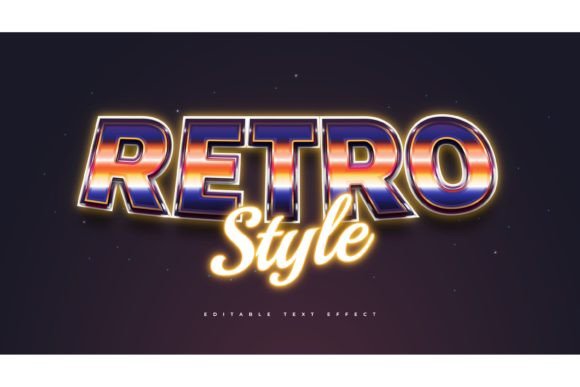
However, creating these complex looks from scratch in Adobe Illustrator can be time-consuming and technically challenging for many designers. This is where pre-made Text Style Effect templates become invaluable tools. By utilizing a resource that offers 100 editable words, fonts, sizes, and effects, designers can streamline their workflow significantly. It is crucial to understand that these resources are Text Font Effect Designs, not fonts themselves. This distinction opens up a world of creative freedom, allowing you to apply these stunning visual treatments to any typeface you choose.
Understanding the Appeal of Retro and Neon Aesthetics
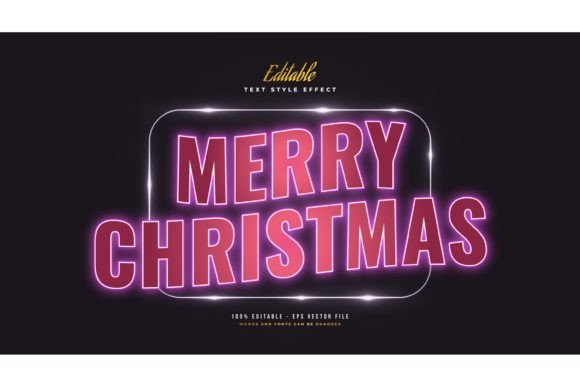
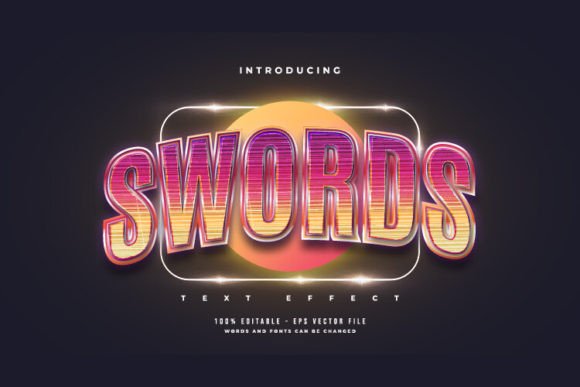
To effectively use these design assets, one must first appreciate why they resonate so deeply with audiences. The Retro style often draws inspiration from the 1970s and 1980s, characterized by warm color palettes, rounded geometric shapes, and a sense of nostalgic comfort. On the other hand, Neon Text Styles mimic the glow of gas-discharge lamps, featuring high-contrast colors, outer glows, and a futuristic or nightlife vibe.
These aesthetics are not merely decorative; they serve specific psychological purposes in marketing and communication:
- Nostalgia Marketing: Retro designs trigger emotional connections to the past, fostering trust and familiarity.
- Attention Grabbing: Neon effects, with their bright luminescence against dark backgrounds, naturally draw the eye, making them ideal for headlines and calls to action.
- Versatility: These styles fit seamlessly into various industries, from fashion and music to tech startups and food packaging.
By incorporating these elements into your projects, you are not just adding color; you are leveraging established visual cues that communicate energy, fun, and modernity.
The Power of Editable Vector Effects
One of the most significant advantages of using professional-grade Adobe Illustrator templates is the ability to edit every aspect of the design. When you download a package containing EPS files and JPG previews, you are gaining access to fully vector-based artwork. Unlike raster images (such as JPEGs or PNGs), vector graphics can be scaled infinitely without losing quality. This is essential for professional printing, whether you are creating a small business card or a large-format billboard.
Why "Click and Change" Matters
The phrase "Easy to Edit Just Click and Change The Texts" represents a massive leap forward in design efficiency. Traditionally, creating a neon glow or a retro shadow effect required multiple steps: duplicating layers, applying blur effects, adjusting opacity, and managing complex appearance panels. With a pre-built text effect template, this process is reduced to seconds.
Here is how the workflow typically improves:
- Selection: Open the EPS file in Adobe Illustrator.
- Editing: Use the Type Tool to click on the placeholder text.
- Customization: Type your desired word or phrase.
- Font Swapping: Since this is an effect and not a font, you can highlight the text and change the typeface to anything installed on your system.
- Finalizing: The effect automatically adjusts to the new characters, maintaining consistent spacing and styling.
This flexibility ensures that your design remains consistent even when you need to update content rapidly, a common requirement in digital marketing and social media management.
Clarifying Common Misconceptions: Effect vs. Font
A frequent point of confusion for beginners is the difference between a font and a text effect. It is vital to clarify this to avoid frustration during the design process.
A Font is a software file that defines the shape of each character. When you install a font, you can type with it in any program. However, a standard font usually comes in a single color and style. If you want a neon glow, you cannot achieve it simply by installing a "neon font."
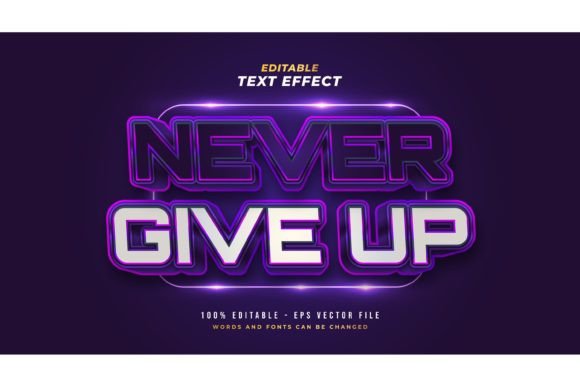
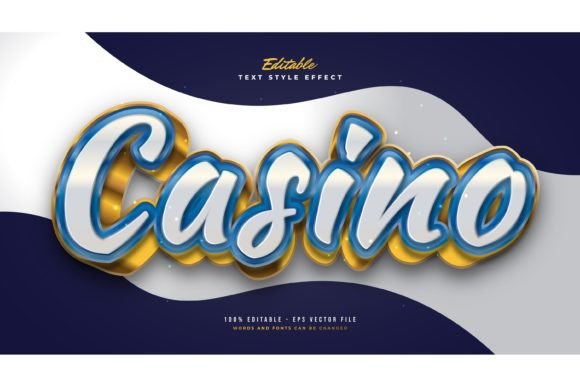
A Text Effect Design, such as the ones included in this 100-word editable pack, is a collection of vector shapes, gradients, shadows, and transparency settings applied to text. Because it is built using Illustrator’s appearance panel and vector paths, it behaves differently. You are not limited to the specific letters provided in the preview. You can type any word, and the effect will wrap around it. Furthermore, you are not locked into one typeface. If the default font does not match your brand identity, you can swap it for a serif, sans-serif, or script font, and the retro or neon styling will adapt accordingly.
This distinction empowers designers to maintain brand consistency while still utilizing trendy visual styles. You are not forced to use a quirky, hard-to-read display font just to get a cool effect. You can use a clean, legible font and apply the neon effect to make it pop.
Practical Applications in Modern Design Workflows
Integrating these editable text effects into your daily work can enhance productivity across various sectors. Here are several practical examples of how these assets can be utilized:
1. Social Media Content Creation
In the fast-paced environment of Instagram, TikTok, and Facebook, visuals must be striking and produced quickly. Using a library of 100 editable retro and neon text styles allows content creators to produce consistent, high-quality graphics for quotes, announcements, and promotional posts without starting from zero each time.
2. Branding and Logo Design
For businesses aiming to project a playful, energetic, or vintage image, these text effects can serve as the foundation for logo concepts. While logos often require custom refinement, starting with a robust vector effect provides a strong visual direction. The ability to edit the size and color means the logo can be tested against different background colors easily.
3. Merchandise and Print-on-Demand
T-shirts, mugs, and posters benefit immensely from bold typography. Neon and retro styles are perennial best-sellers in the print-on-demand industry. Because the files are provided in EPS format, they are print-ready. Designers can scale the text to fit various product dimensions without worrying about pixelation or blurry edges.
4. Event Promotion
Whether it is a music festival, a nightclub event, or a retro-themed party, neon text effects convey the atmosphere instantly. Flyers and digital invitations using these styles set expectations for the attendee experience before they even read the details.
Technical Considerations and Best Practices
To get the most out of your Adobe Illustrator Text Style Effect package, keep the following technical tips in mind:
- Check Your Layers: Complex effects often use multiple layers for glows, shadows, and highlights. Keep the Layers panel open to understand how the effect is constructed. This knowledge helps if you need to tweak specific elements manually.
- Font Licensing: While the effect template is editable, remember that the fonts you choose to swap in must be properly licensed for commercial use if you are selling the final design.
- Color Modes: Ensure you are working in the correct color mode. Use RGB for digital screens (where neon glows look best) and CMYK for print. Note that some neon colors may appear duller in print, so adjustments may be necessary.
- Expand Appearance: If you need to send the file to a printer who does not have the same fonts or effects setup, you may need to "Expand" the text. This converts the live text into vector shapes. Always keep a backup of the editable version before doing this.
Conclusion: Elevating Your Design Game
The availability of Colorful Retro and Neon Text Style templates represents a significant opportunity for designers of all skill levels. By providing 100 editable words and the flexibility to change fonts, sizes, and effects with a simple click, these resources remove the technical barriers to creating professional-grade typography.
Remember, this is a Text Font Effect Design, not a font. This key feature allows you to maintain creative control, ensuring that your typography aligns perfectly with your brand voice while still leveraging the visual impact of trending aesthetics. Whether you are designing for digital platforms or print media, mastering these editable vector effects will save you time, enhance your creative output, and help you deliver visually stunning results that captivate your audience. Embrace the ease of editing, experiment with different typefaces, and let the vibrant energy of retro and neon styles breathe new life into your projects.