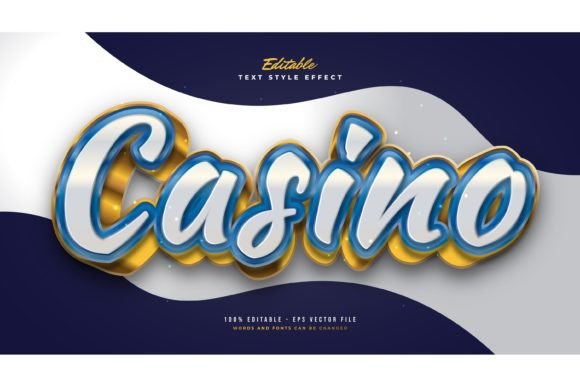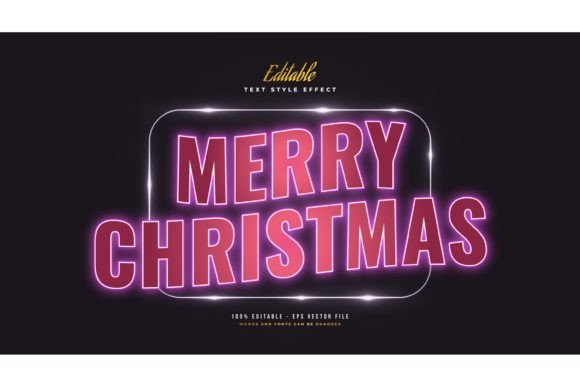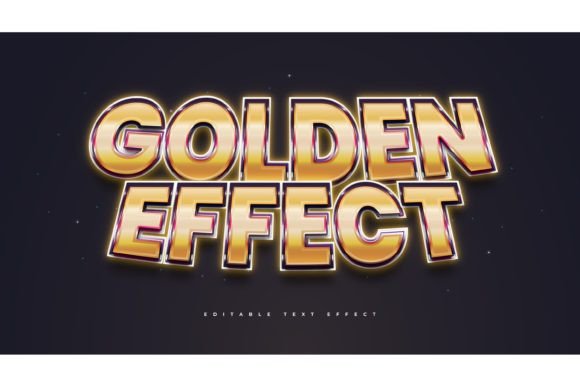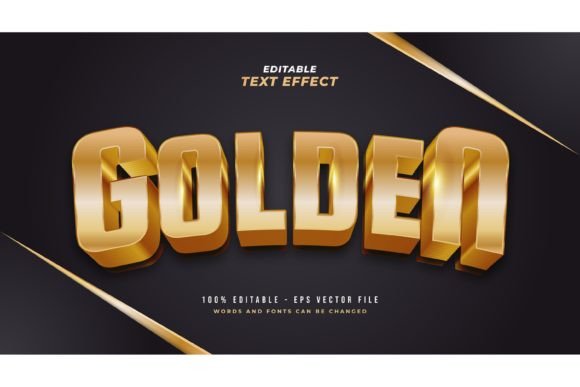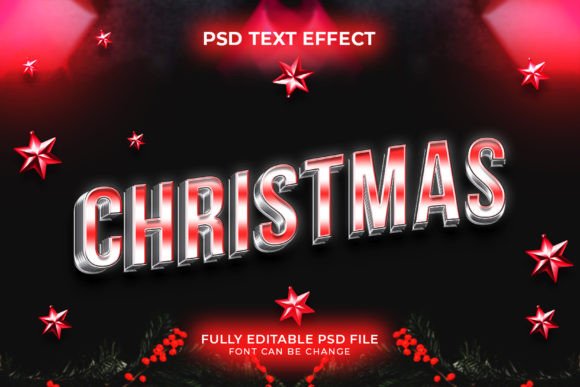
Christmas 3D Text Style Effect Template
The holiday season brings a unique pressure for designers, marketers, and small business owners. Every year, the demand for festive visuals spikes, requiring fresh, eye-catching graphics that stand out in crowded social media feeds and email inboxes. Creating high-quality three-dimensional text from scratch in Adobe Photoshop can be a time-consuming process, involving complex layer styles, lighting adjustments, and perspective tools. This is where a Christmas 3d Text Style Effect Template becomes an invaluable asset. It bridges the gap between professional design quality and efficient workflow, allowing users to produce stunning seasonal typography in minutes rather than hours.
Simplifying Festive Design Workflows
At its core, this template is a pre-configured set of Adobe Photoshop graphic styles. Instead of manually building shadows, highlights, textures, and depth for every letter, the heavy lifting has already been done. The item arrives as a well-organized PSD file with a dedicated graphic-style menu. This means you do not need to be a Photoshop expert to achieve a polished look. Whether you are a seasoned graphic designer looking to speed up your client work or a beginner hobbyist wanting to create a personalized holiday card, the structure supports both levels of expertise.
The primary appeal lies in its editability. You simply type your desired text or import a shape, and the effect applies automatically through the graphic styles panel. This non-destructive approach ensures that you can tweak fonts, sizes, and colors without breaking the three-dimensional illusion. For entrepreneurs and bloggers who may not have extensive design training, this removes the technical barrier to entry, enabling them to maintain a high standard of visual branding during the critical end-of-year marketing push.
Key Features and Technical Benefits
Understanding what makes a template effective helps in maximizing its potential. This specific Christmas 3d text style effect template is built with user experience in mind. Here are the practical features that add value to your design process:
- Easy to Edit: The core function is simplicity. By utilizing the graphic styles menu, changes are instant. You do not need to navigate through dozens of nested layer effects to change a color or adjust a bevel.
- Well-Organized Layers: A messy file can lead to frustration. This template keeps layers grouped and labeled logically, making it easy to isolate elements if you want to add additional decorations like snowflakes or ornaments behind or in front of the text.
- Free Font Used: One common hurdle with premium templates is the requirement to purchase expensive commercial fonts. This template uses free fonts, ensuring that you can replicate the preview exactly without hidden costs or licensing issues.
- RGB Color Mode: Designed primarily for digital use, the RGB color profile ensures vibrant, bright colors that pop on screens. This is ideal for websites, social media posts, digital advertisements, and email newsletters.
- Comprehensive Files: You receive one PSD file for editing and one JPEG preview. Additionally, a "Read Me" text file is included to guide you through any specific installation or usage instructions, reducing the learning curve.
Practical Use Cases for Creators and Businesses
The versatility of a 3D text effect extends far beyond simple greeting cards. In the modern digital landscape, typography is a central element of brand communication. Here is how different users can leverage this tool in real-world scenarios:
Social Media Marketing: During December, engagement rates often hinge on visual appeal. Instagram stories, Facebook headers, and Pinterest pins benefit greatly from bold, festive typography. A marketer can quickly generate multiple variations of a "Holiday Sale" or "Winter Collection" headline, testing different messages without spending budget on custom illustration.
E-commerce Promotions: Small business owners selling products online need banner images that convey urgency and festivity. Using this template, an Etsy seller or Shopify store owner can create consistent header images for their homepage. The 3D effect adds a tactile quality that makes digital products feel more tangible and premium.
Educational and Community Content: Teachers and community organizers often need to create flyers for winter parties, school plays, or charity drives. A visually engaging flyer grabs attention faster than plain text. With this template, an educator can produce professional-looking announcements that reflect the joy of the season, enhancing community spirit.
Personal Projects: For hobbyists, this tool opens up creative possibilities for personal gifts. Imagine designing a custom mug print, a T-shirt design for a family reunion, or a digital photo book cover. The ability to customize text means every project can be deeply personal while still looking professionally designed.
Important Considerations for Best Results
While the Christmas 3d Text Style Effect Template is designed for ease of use, keeping a few best practices in mind will ensure your final output looks its best. First, consider the context of your text. Three-dimensional effects work best with short, impactful phrases. Long paragraphs can become visually cluttered and difficult to read when rendered in 3D. Stick to headlines, titles, or short calls to action.
Second, pay attention to contrast. Since the template uses RGB colors, ensure your background complements the text. A busy background might compete with the detailed shadows and highlights of the 3D effect. Solid colors or subtle gradients often work best to let the typography shine. If you place the text over a photograph, consider adding a slight drop shadow or a semi-transparent shape behind the text to improve legibility.
Third, remember the intended output medium. Because the file is in RGB mode, it is optimized for screens. If you plan to print your design on physical materials like posters or business cards, you may need to convert the color mode to CMYK in Photoshop. Be aware that some vibrant neon or bright holiday colors may shift slightly during conversion, so always check a proof before sending files to a professional printer.
Finally, take advantage of the support offered. The creator notes that if you need help using the file or require special customizing, you can reach out for assistance. This level of support is particularly valuable for beginners who might encounter unexpected issues with font compatibility or layer settings. Do not hesitate to ask questions; it is part of the learning process and ensures you get the most value from your purchase.
In summary, this template is more than just a stylistic filter; it is a productivity tool that empowers users to create high-quality festive content efficiently. By combining professional-grade effects with user-friendly organization, it supports a wide range of creative and commercial goals, making it a smart addition to any designer’s holiday toolkit.