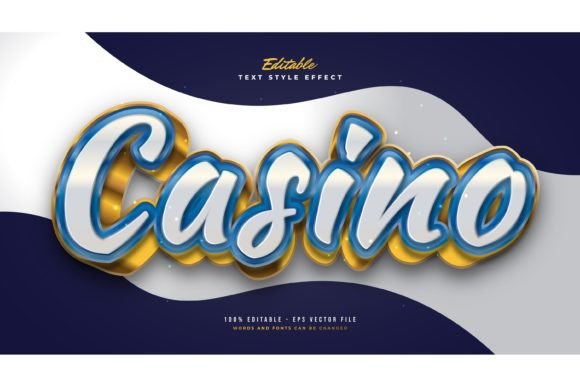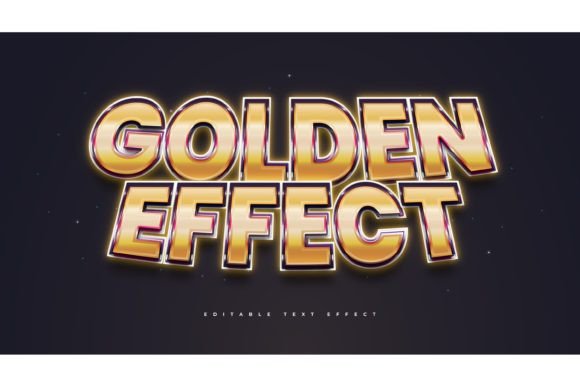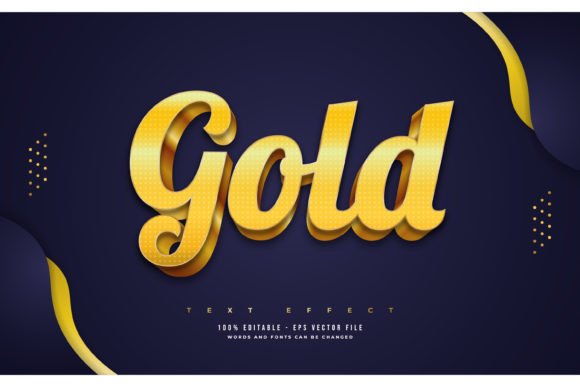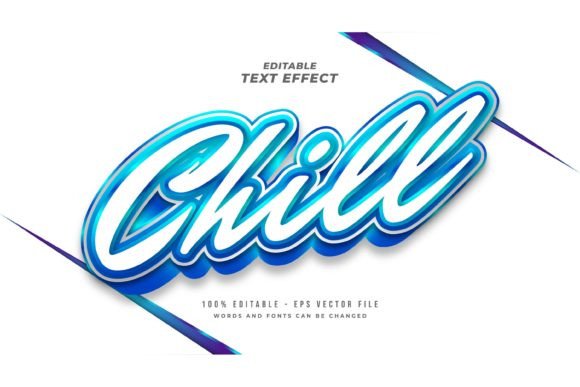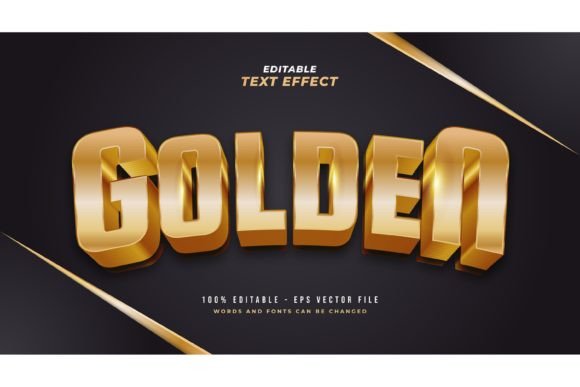
3D Luxury Golden Text Style Effect
In the visual landscape of modern branding and digital marketing, texture and depth are not merely decorative choices; they are psychological triggers. The 3D Luxury Golden Text Style Effect stands out as a powerful tool for designers who need to communicate value, prestige, and high quality instantly. Gold has long been associated with wealth, success, and exclusivity. When you combine this metallic allure with three-dimensional depth, you create a typographic element that demands attention and conveys authority.
However, achieving this look from scratch in design software can be technically demanding. It requires a nuanced understanding of lighting, shadow, gradient meshes, and perspective. This is where pre-designed style effects become invaluable assets for creative professionals. By utilizing a ready-made Adobe Illustrator Text Style Effect, you bypass the hours of trial and error, allowing you to focus on the strategic application of the design rather than the technical construction.
Understanding the Appeal of Metallic Typography
Why does gold text work so well? It is rooted in contrast and familiarity. In a digital world dominated by flat design and minimalist aesthetics, a rich, textured golden element creates a focal point that breaks the monotony. It suggests that the content it accompanies is premium. Whether you are designing a logo for a boutique jewelry store, a header for a luxury real estate brochure, or a thumbnail for a high-end financial webinar, the message is consistent: this is important, and this is valuable.
The "3D" aspect adds another layer of sophistication. Flat gold can sometimes appear cheap or reminiscent of early web design trends. Adding dimension through shadows, highlights, and extrusion gives the text weight and presence. It makes the letters feel tangible, as if they were cast in metal. This tactile quality helps bridge the gap between the digital screen and the physical product or service being advertised.
Versatility Across Industries and Projects
One of the greatest strengths of a versatile text effect package is its adaptability. The 3D Luxury Golden Text Style Effect is not limited to a single niche. Its application spans various industries, provided it is used with intention and restraint. Here is how different creators can leverage this asset:
- Luxury Retail and Fashion: Use the effect for seasonal sale banners, new collection announcements, or packaging mockups. The gold complements black, white, and deep navy backgrounds, creating a classic high-fashion aesthetic.
- Hospitality and Events: Wedding invitations, gala dinner menus, and hotel branding benefit immensely from golden typography. It sets a tone of celebration and elegance before the guest even reads the details.
- Corporate and Finance: For annual reports, award certificates, or executive presentations, golden text can highlight key achievements or milestones. It adds a sense of tradition and stability.
- Digital Content Creation: YouTubers and social media influencers in the lifestyle, beauty, or business niches can use these effects for video thumbnails and channel art. It helps their content stand out in crowded feeds.
The key to successful application is context. While gold is eye-catching, overusing it can dilute its impact. It works best as an accent or for primary headlines, supported by clean, readable secondary fonts.
Workflow Efficiency: From Concept to Completion
For freelancers and small business owners, time is a critical resource. Creating a realistic 3D gold effect manually involves complex steps: creating the base shape, applying gradient meshes to simulate metallic reflection, adding drop shadows for depth, and adjusting lighting angles to ensure consistency. A single mistake in the gradient can make the metal look like plastic.
Using a pre-built Adobe Illustrator Text Style Effect streamlines this process significantly. These packages are designed for ease of use. Typically, they include editable vector files (EPS) and preview images (JPG). The workflow is straightforward:
- Open the File: Launch the EPS file in Adobe Illustrator.
- Select the Text: Click on the existing placeholder text.
- Type Your Content: Simply type your desired words. The effect automatically applies to the new characters.
- Customize: Adjust the font, size, or color nuances if needed. Since it is a style effect and not a static font, you retain full control over the typography.
This "click and change" functionality allows for rapid iteration. You can test five different headlines in the time it would normally take to render one. This agility is crucial when working with clients who require multiple revisions or when brainstorming creative directions under tight deadlines.
Design Best Practices for Golden Effects
To ensure your designs remain professional and effective, consider these practical guidelines when working with 3D golden text:
Contrast is King. Gold shines brightest against dark backgrounds. Deep charcoal, midnight blue, black, or rich emerald green provide the necessary contrast to make the metallic highlights pop. Avoid placing gold text on white or pastel backgrounds unless you add a strong drop shadow or outline to separate it from the background.
Font Selection Matters. Not all fonts work well with 3D effects. Serif fonts with thick strokes often convey a more traditional, luxurious feel. Bold sans-serif fonts can look modern and impactful. Avoid thin, delicate scripts unless the effect is specifically designed for them, as the 3D extrusion may become cluttered and hard to read.
Maintain Readability. While the effect is decorative, the primary purpose of text is communication. Ensure that the 3D depth does not obscure the letterforms. Keep the kerning (spacing between letters) adequate, especially for uppercase headlines, to prevent the shadows from merging adjacent characters.
Consistency in Branding. If you use this effect for a specific campaign, ensure it aligns with your broader brand identity. If your brand is typically minimalist and matte, a sudden shift to glossy 3D gold might feel disjointed. Use it strategically for special occasions or premium product lines to maintain brand coherence.
Expanding Creative Possibilities
Beyond standard headlines, think creatively about how you can integrate this effect into larger compositions. Consider using the golden text as a texture mask within other shapes, or combining it with photographic elements. For instance, you could overlay the 3D text onto an image of a marble surface or a velvet fabric to enhance the sensory experience of the design.
Additionally, these effects are not static. Once you have your vector file, you can import it into animation software like Adobe After Effects. By animating the light source or rotating the 3D plane, you can create stunning motion graphics for video intros or social media stories. The vector nature of the EPS file ensures that the edges remain crisp at any resolution, making it suitable for both web and print media.
For educators and students, these files serve as excellent learning tools. By deconstructing the layers in Illustrator, you can study how professional designers construct gradients and shadows. It provides insight into the mechanics of digital lighting and material simulation, skills that are transferable to other areas of 3D design and rendering.
Final Thoughts on Elevating Your Design
The 3D Luxury Golden Text Style Effect is more than just a visual trend; it is a strategic design element that communicates value and quality. By leveraging pre-made, editable assets, you empower yourself to produce high-end visuals efficiently, without sacrificing creative control. Whether you are a seasoned designer looking to speed up your workflow or an entrepreneur aiming to elevate your brand’s visual identity, mastering the use of metallic typography can significantly enhance your output.
Remember, the goal is not just to make things look shiny, but to use that shine to guide the viewer’s eye and reinforce your message. With the right font, the right background, and the right application, golden text can transform a ordinary design into an extraordinary statement. Embrace the versatility of these tools, experiment with different contexts, and let the luxury aesthetic work for your creative goals.